Stripe subscription integrationRecurring revenue that bills itself, live in 5 days.
Plans, trials, customer portal and webhook-synced access for your SaaS, built on Stripe Billing for one fixed price.

Done by Parish Khan, senior developer since 2013
Updated
Fixed price
$1,490
Delivered in 5 business days after payment
- Up to 3 plans, monthly and annual, with trials
- Stripe customer portal for self-serve changes
- Webhook sync of status, plan and renewal dates
- Paid features gated by plan, on the server
- Failed-payment recovery set up and tested
Billing that bills correctly. No payment until I confirm your brief.
- creators use frontends I built at Artlist and Artgrid
- 10M+
- creators use frontends I built at Artlist and Artgrid
- the year I started shipping for the web
- 2013
- the year I started shipping for the web
- products delivered for clients in 15+ countries
- 50+
- products delivered for clients in 15+ countries
- clients, with a 5-star average on Upwork and Fiverr
- 100+
- clients, with a 5-star average on Upwork and Fiverr
Works with
Next.js
React
Node.js
Supabase
Firebase
What changes after delivery
Right now
- Customers email you to upgrade, cancel or update a card.
- Your app and Stripe disagree about who is actually paying.
- Failed renewals quietly churn customers you never hear from.
After delivery
- Customers change plans and cards themselves in the Stripe portal.
- Your database always knows each customer’s plan and status.
- Failed payments are retried and chased automatically.
SaaS billing fee comparison
Enter your monthly revenue and see what Stripe Billing, Stripe Managed Payments, Paddle and Lemon Squeezy would cost you, and what each one handles for you.
About 256 payments a month.
Monthly fees at $10,000 MRR
Stripe BillingCheapest
$547
2.9% + 30¢, 0.7% Billing, 0.5% Tax5.5% effective, $6,563 a year- You are the seller
- Lowest fees and most control
- Stripe Tax calculates and collects; you file returns
Stripe Managed Payments
$847
2.9% + 30¢, 0.7% Billing, 3.5% MoR8.5% effective, $10,163 a year- Merchant of record
- Stripe is the seller of record
- Global tax handled for you
Paddle
$628
5% + 50¢6.3% effective, $7,538 a year- Merchant of record
- Paddle is the seller of record
- Currency conversion may add more
Lemon Squeezy
$688
5% + 50¢, 1.5% international6.9% effective, $8,258 a year- Merchant of record
- Moving to Stripe Managed Payments
- Best for small digital products
Having Paddle handle global tax costs about $975 a year more than Stripe Billing at this revenue. Worth it if you sell to consumers in many countries; usually not for B2B.
Going with Stripe Billing? Plans, trials, the customer portal and webhook sync, set up for a fixed $1,490.
Published list prices as of September 2026, assuming monthly charges in USD and US-rate card processing. Stripe’s international card fee applies to cards issued outside your account’s country. Tax registration and filing costs are not included.
Everything included for $1,490
Plans and prices
Up to 3 plans with monthly and annual prices set up in Stripe, plus a free trial if you want one.
Subscription checkout
Stripe Checkout in subscription mode, with promotion codes and the right plan pre-selected from your pricing page.
Customer portal
Customers upgrade, downgrade, cancel, update cards and download invoices without emailing you.
Webhook sync
Plan, status and renewal dates written to your database from verified webhooks, never guessed from the browser.
Access by plan
Your app checks each customer’s plan on the server before it unlocks paid features.
Failed-payment recovery
Smart Retries and reminder emails switched on, and a friendly “update your card” banner for past-due customers.
Plan changes with proration
Upgrades charge the difference fairly, and downgrades take effect at renewal, the way customers expect.
Tested with test clocks
Renewals, failed payments, trial endings and cancellations simulated with Stripe test clocks before launch.
Handover
Written docs, a recorded walkthrough, and 14 days of free fixes after launch.
Not included
- Usage-based or per-seat pricing. Both are add-ons below.
- Moving existing subscribers from another billing provider (add-on).
- Filing sales tax or VAT. Stripe Tax can calculate and collect it; filing stays with you.
- A custom billing UI beyond the Stripe customer portal.
- Marketplaces that pay out to sellers (Stripe Connect).
What I need from you
- A Stripe account in your business’s name.
- Access to your repository and database.
- Your plans, prices, trial rules, and what each plan unlocks.
- Your sign-in system: Supabase, Firebase, Auth.js, Clerk, or your own.
The Stripe subscription lifecycle
Every state a subscription moves through, the webhook that moves it, and what your app should do at each step.
Starting
- checkouttrialing
On
customer.subscription.createdTrial starts. Give full access.
- checkoutactive
On
invoice.paidFirst payment succeeded. Grant access.
- checkoutincomplete
On
invoice.payment_action_requiredNeeds 3D Secure. No access for up to 23 hours.
- incompleteincomplete_expired
On
23 hours passNever completed. No access.
Renewing
- trialingactive
On
invoice.paidTrial converted. Keep access.
- trialingpaused
On
customer.subscription.pausedTrial ended without a card. Pause access.
- activeactive
On
invoice.paidRenewed. Extend access to the new period.
Failing and ending
- activepast_due
On
invoice.payment_failedShow an “update your card” banner.
- past_dueactive
On
invoice.paidRecovered. Hide the banner.
- past_duecanceled or unpaid
On
retries run outRemove access.
- activecanceled
On
customer.subscription.deletedCancelled. Remove access when the period ends.
How delivery works
- Day 0
Order and brief
You order and describe your plans. I confirm the brief and send the invoice. Work starts when payment lands.
- Day 1
Billing model
We confirm plans, trials and what each plan unlocks. Products and prices go into Stripe.
- Days 2 to 3
Build
Subscription checkout, the customer portal, webhook sync and plan checks in your app.
- Day 4
Edge cases
Test clocks for renewals, failed cards, upgrades, downgrades and cancellations.
- Day 5
Launch
Live keys, a real subscription test together, then the docs and walkthrough.
Proof, not promises
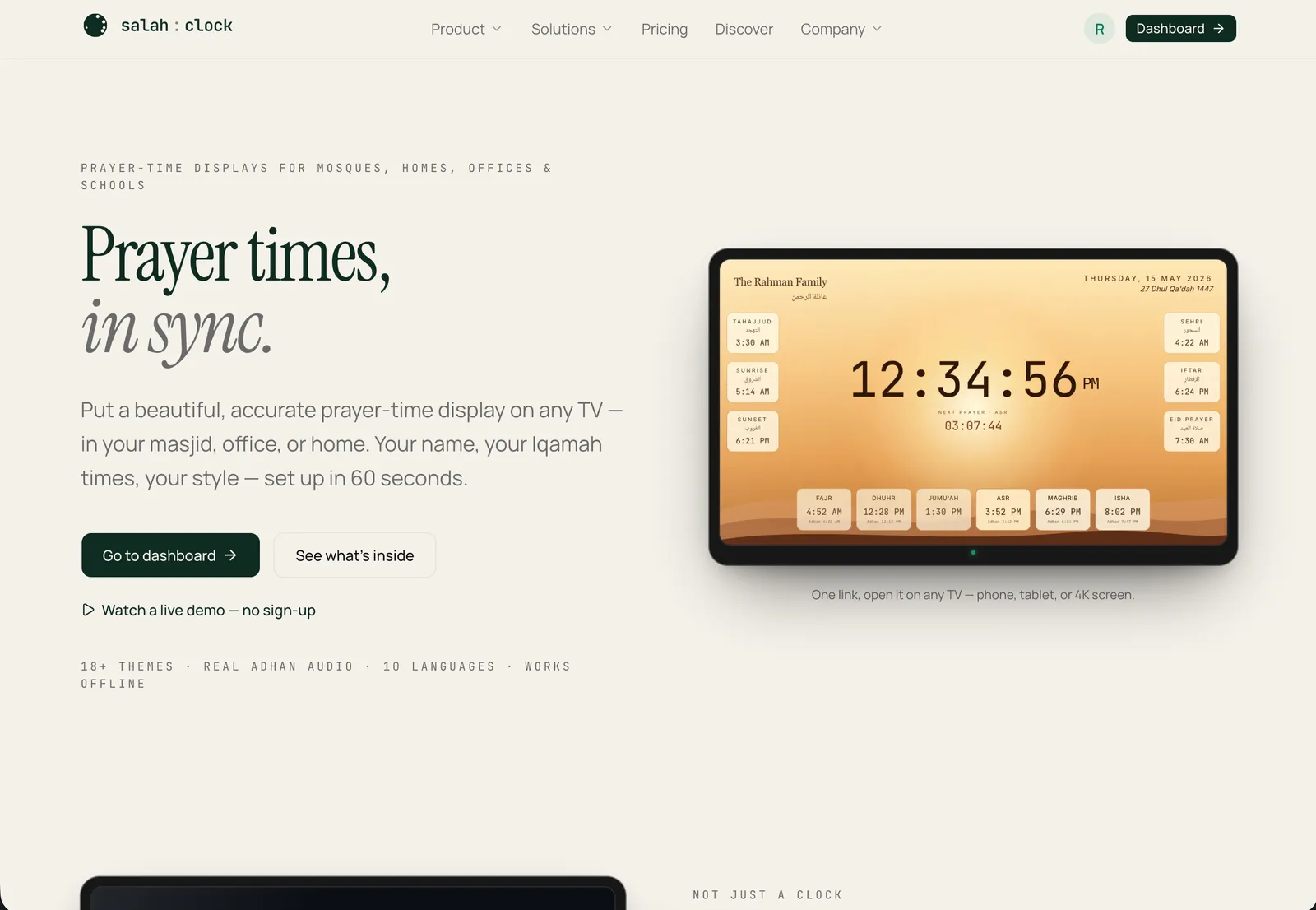
SalahClock
2024A prayer-time SaaS that runs on any screen.
- To set up on any screen
- 60s
- To set up on any screen
- Themes in 10 languages
- 18+
- Themes in 10 languages
- Calculation methods
- 5
- Calculation methods
Delivered a complex e-commerce platform 2 weeks ahead of schedule. Clean code, excellent communication, and zero post-launch bugs. Will hire again.
Stripe subscription integration pricing
One fixed price, agreed before any work starts. Add only what you need.
Stripe subscription integration
9 things included, delivered in 5 business days
$1,490
Your fixed price
$1,490
Delivered in 5 business days after payment.
Order now- Billing that bills correctly. If a renewal, upgrade or cancellation does not update access correctly, I fix it free. If I cannot, you get a full refund.
- No payment today. I confirm your brief, then send an invoice you pay by bank transfer in USD, EUR or GBP.
Need ongoing work instead of a one-off job? A monthly plan covers requests like this with no quotes.
The guide, 3 minute read. Updated .
On this page
How Stripe subscriptions work
Stripe Billing is built from a few objects. A Product is what you sell, like “Pro plan”. A Price says how much and how often, like $49 a month or $490 a year. A Customer is the person or company paying, and a Subscription ties a customer to a price and creates an Invoice every period.
Your app’s job is simple to describe and easy to get wrong: create the subscription through Checkout, then keep your own record of each customer’s plan and status in sync with Stripe, using webhooks. Everything a customer can do to their subscription, they do in the Stripe customer portal, so you do not build billing screens at all.
The Stripe webhooks your SaaS must handle
You do not need every event Stripe sends. These six cover almost every SaaS. Each one should be verified, logged, and safe to process twice.
| Event | When it fires | What your app should do |
|---|---|---|
checkout.session.completed | A customer finished checkout | Link the Stripe customer to your user and record the subscription |
customer.subscription.updated | Plan, status, quantity or renewal date changed | Update plan, status and period end in your database |
customer.subscription.deleted | The subscription ended | Remove paid access |
invoice.paid | A renewal or first payment succeeded | Keep access on and record the payment |
invoice.payment_failed | A charge failed | Show an “update your card” banner, keep a grace period |
customer.subscription.trial_will_end | Three days before a trial ends | Remind the customer, especially if no card is on file |
The most common billing bug
Granting access from the checkout success page instead of the webhook. It works in testing, then fails for the customer whose browser closed at the wrong moment, and they pay without getting access.
Subscription statuses, and what each should do in your app
| Status | What it means | Access |
|---|---|---|
trialing | In a free trial | Full access |
active | Paid and in good standing | Full access |
past_due | The latest payment failed and Stripe is retrying | Keep access for a grace period, ask them to fix their card |
unpaid | Retries ran out and invoices stay open | Remove access until they pay |
canceled | The subscription ended | Remove access |
incomplete | The first payment needs action, like 3D Secure | No access yet |
incomplete_expired | The first payment was never completed | No access |
paused | A trial ended without a payment method | No access until they add one |
Stripe Billing vs Paddle vs Lemon Squeezy
The real question is not the fee. It is who is the merchant of record, meaning who is legally the seller and responsible for sales tax and VAT around the world. With Stripe Billing, that is you. With Paddle, Lemon Squeezy and Stripe Managed Payments, it is them, and you pay a higher percentage for it.
| Stripe Billing | Stripe Managed Payments | Paddle | Lemon Squeezy | |
|---|---|---|---|---|
| Merchant of record | You | Stripe | Paddle | Lemon Squeezy |
| Fee on a US card | 2.9% + 30¢, plus 0.7% Billing | 2.9% + 30¢, plus 0.7% Billing, plus 3.5% | 5% + 50¢ | 5% + 50¢ |
| Sales tax and VAT | You register and file. Stripe Tax can calculate (0.5%) | Handled for you | Handled for you | Handled for you |
| Control and flexibility | Highest | High | Medium | Medium |
| Best for | Most SaaS, especially B2B | Software sold worldwide, on Stripe | Software sold worldwide | Small digital products |
Rule of thumb: if most of your customers are businesses in a few countries, Stripe Billing is cheaper and more flexible. If you sell to consumers in dozens of countries and do not want to register for VAT anywhere, a merchant of record is worth the premium. Lemon Squeezy is being folded into Stripe Managed Payments, so new projects should weigh that option instead. The calculator above puts numbers on it for your revenue.
Trials, upgrades and proration
- Trial with a card converts better to paid, but fewer people start it. Trial without a card gets more sign-ups, and Stripe can pause the subscription when it ends until a card is added.
- Upgrades usually take effect immediately, charging the prorated difference now or on the next invoice. That is a single setting, chosen per plan change.
- Downgrades usually wait until the end of the paid period, so nobody loses features they already paid for.
- Annual plans are the easiest revenue win in SaaS. Two months free on a yearly price is a common, simple offer.
Failed payments and dunning
Cards expire, get replaced, or hit limits. Without a recovery setup, those customers churn without ever deciding to leave. Stripe Billing includes Smart Retries, which retry failed payments at the times they are most likely to succeed, and it can email customers a link to update their card. On your side, a past-due banner with a one-click link to the customer portal closes the loop.
Stripe subscription integration FAQ
Often ordered with
Add Stripe Checkout to your website
Cards, Apple Pay and Google Pay on your site, with verified webhooks so every paid order is recorded and fulfilled.
Works with Next.js, React, Node.js and 4 more
$690
Fixed price, 3 business days
Make your Lovable, Bolt or Cursor app production-ready
A security audit and fix sprint for AI-built apps: database rules, exposed keys, authorization, abuse limits, monitoring and backups.
Works with Lovable, Bolt, v0 and 6 more
$1,290
Fixed price, 5 business days
Add an AI chatbot trained on your content
A branded chat widget that answers from your own pages and documents, cites its sources, and hands off to you when it is unsure.
Works with Any website, WordPress, Webflow and 6 more
$1,490
Fixed price, 7 business days
Planning something bigger? SaaS Development, Startup MVP Development and Supabase Development are quoted as custom builds.
Ready when you are.
Stripe subscription integration for a fixed $1,490. Ordering takes two minutes, and there is no payment until I have confirmed your brief.
You work with me directly, on a monthly plan or a fixed-price project. No agency layer, one person accountable for the build.